



01
Handheld remote
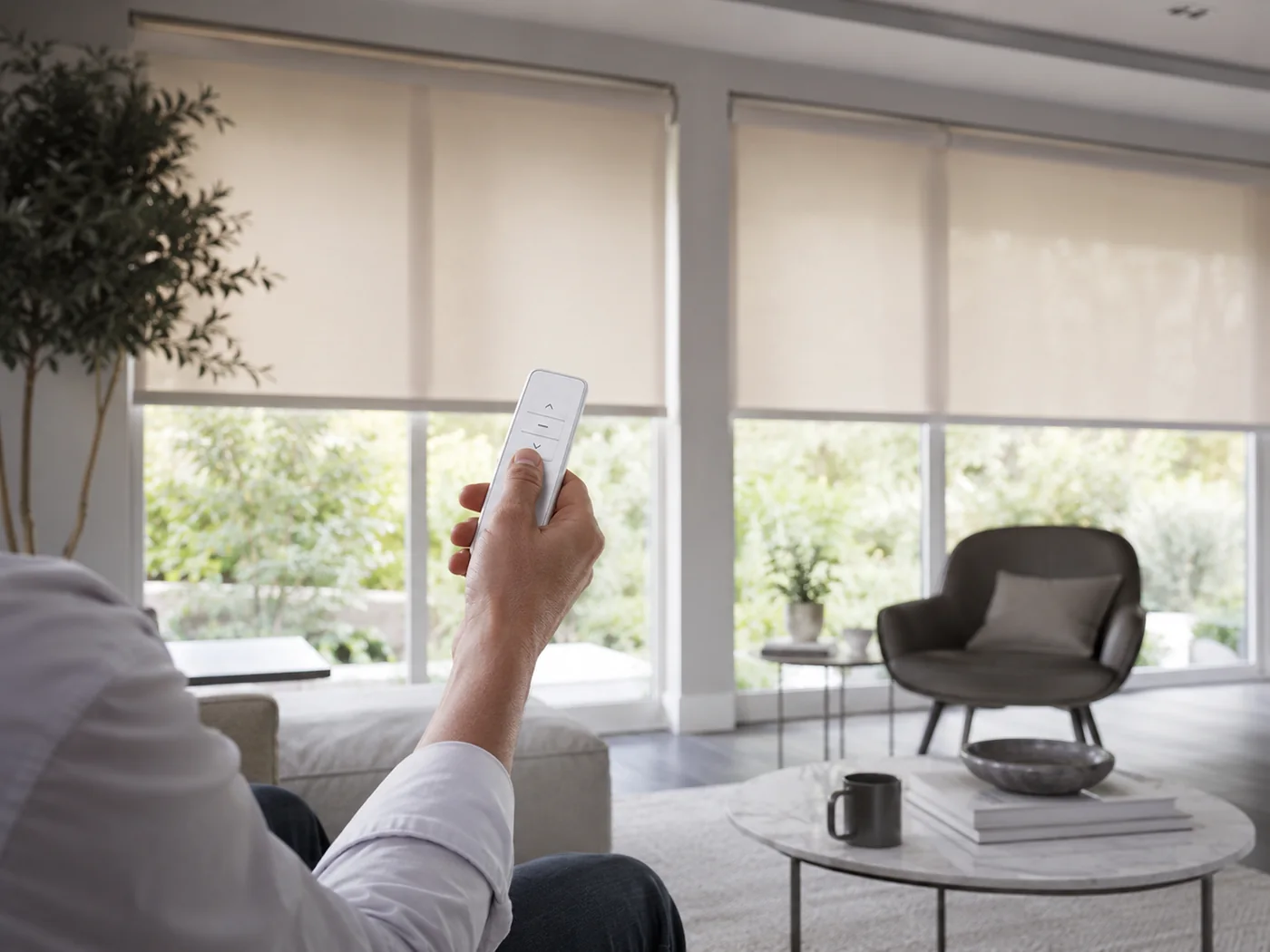
Press a button to raise, lower or stop the blind. Multi-channel remotes can control different blinds separately and can also group compatible blinds together.
Motorised blind controls · Northern Ireland
Use a handheld remote, a wall switch, your phone or a compatible automated routine. You can keep things simple with one control for one blind, group several blinds together, or connect compatible blinds into a wider smart-home setup.

At a glance
You can use one method on its own or combine them. A remote and an app, for example, can both control the same compatible system.
Press a button to raise, lower or stop the blind. Multi-channel remotes can control different blinds separately and can also group compatible blinds together.
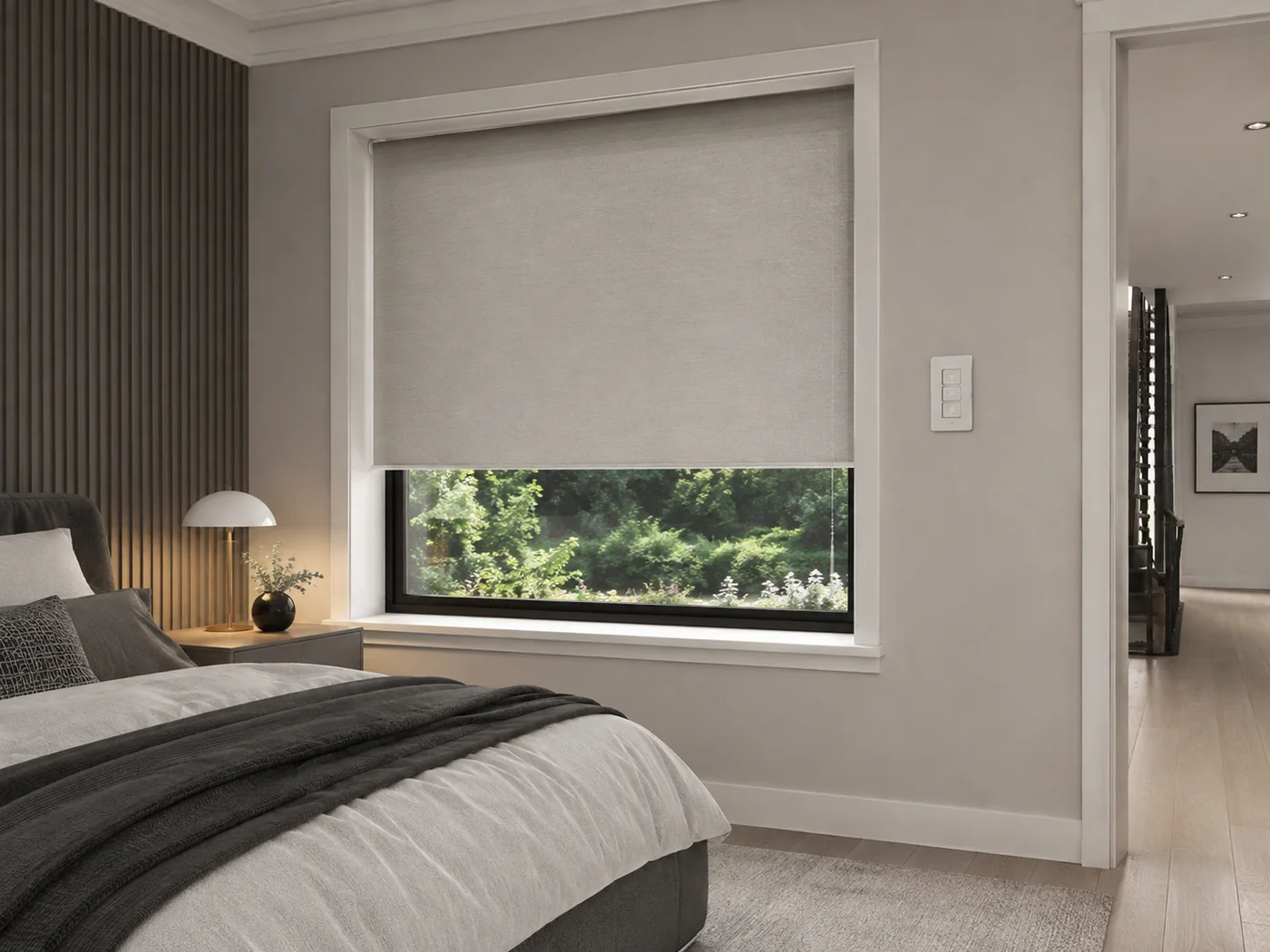
Keep a dedicated blind control in a fixed position on the wall. Wirefree versions can provide the convenience of a wall switch without requiring a new control cable.
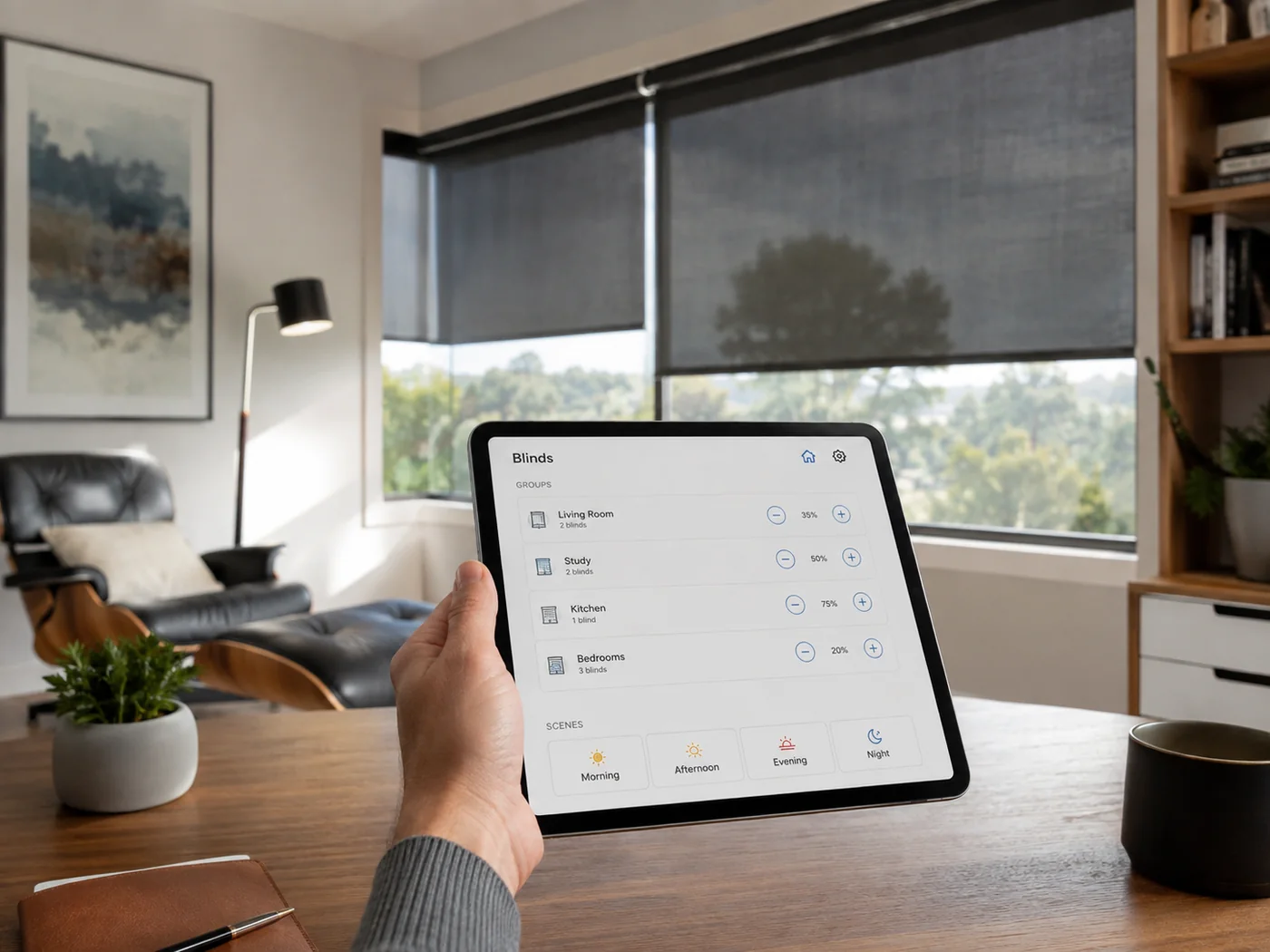
With a compatible hub and motor system, you can control blinds from an app, group rooms together and create useful scenes for different times of day.
Compatible timers and sensors can move blinds automatically at chosen times or in response to changing light or temperature.
Handheld remote
A remote is often all you need. It lets you operate the blinds without getting up, reaching behind furniture or opening an app.
Single-channel controls suit straightforward installations. Multi-channel remotes are useful when several blinds need to operate separately as well as together.
Wall-mounted control
A wall control is useful in bedrooms, kitchens and open-plan rooms where you want an obvious, permanent way to operate the blinds.
Somfy offers wirefree wall controls that can be fitted without running a new control cable through the wall. The exact controls available depend on the motor system selected.
Smartphone & tablet control
App control becomes particularly useful when you have several compatible motorised blinds. You can organise blinds by room, operate groups together and create scenes for the times of day when you use them most.
Somfy TaHoma can centralise compatible blinds and other connected equipment. The features available depend on the motors and products connected to the system.
Schedules, scenes & sensors
Compatible motorised blinds can do more than wait for a button press. Timers, scenes and sensors can reduce repeated adjustments and make light and privacy easier to manage.
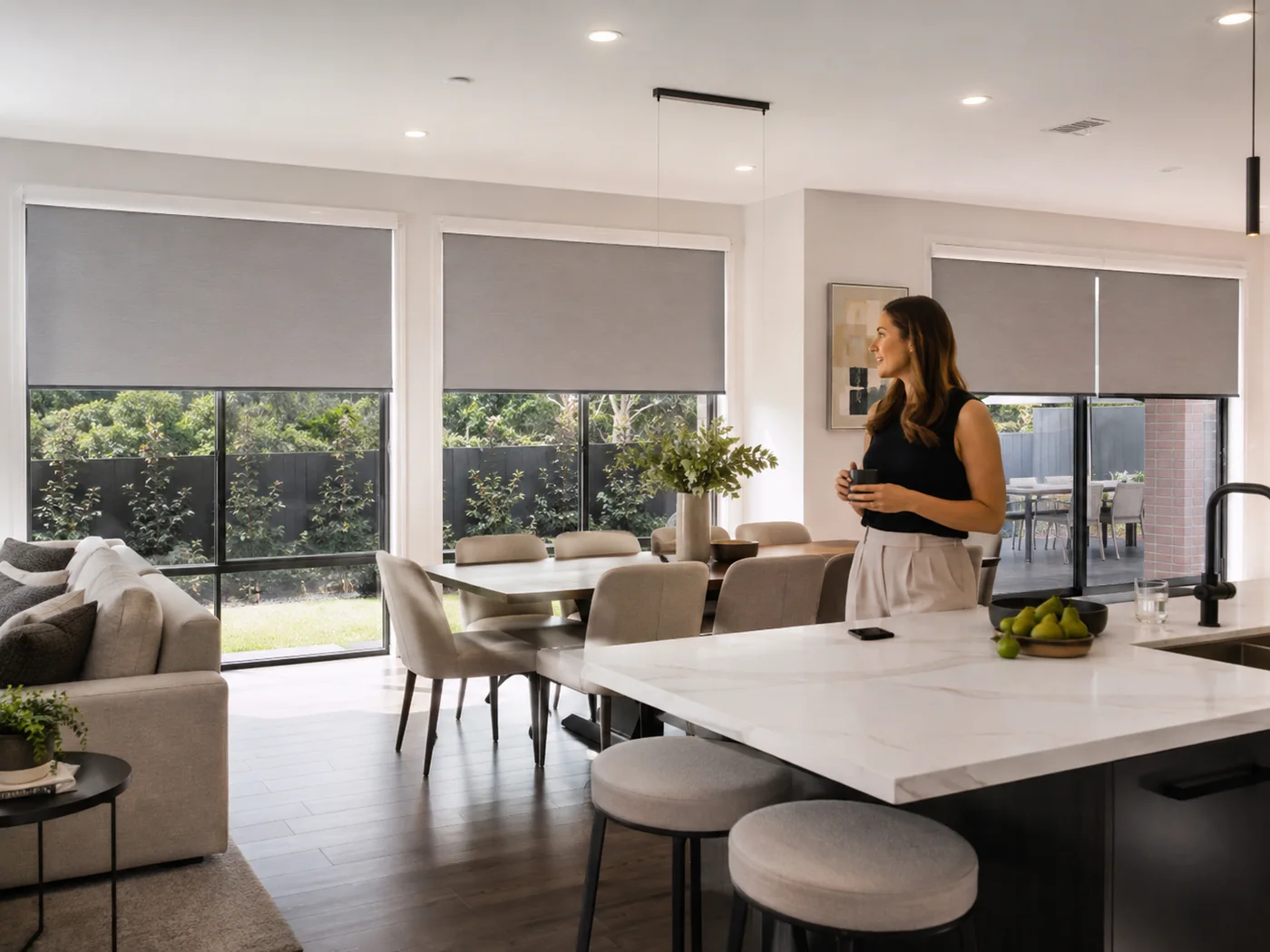
Use a schedule or scene so compatible blinds are ready at the start of the day.
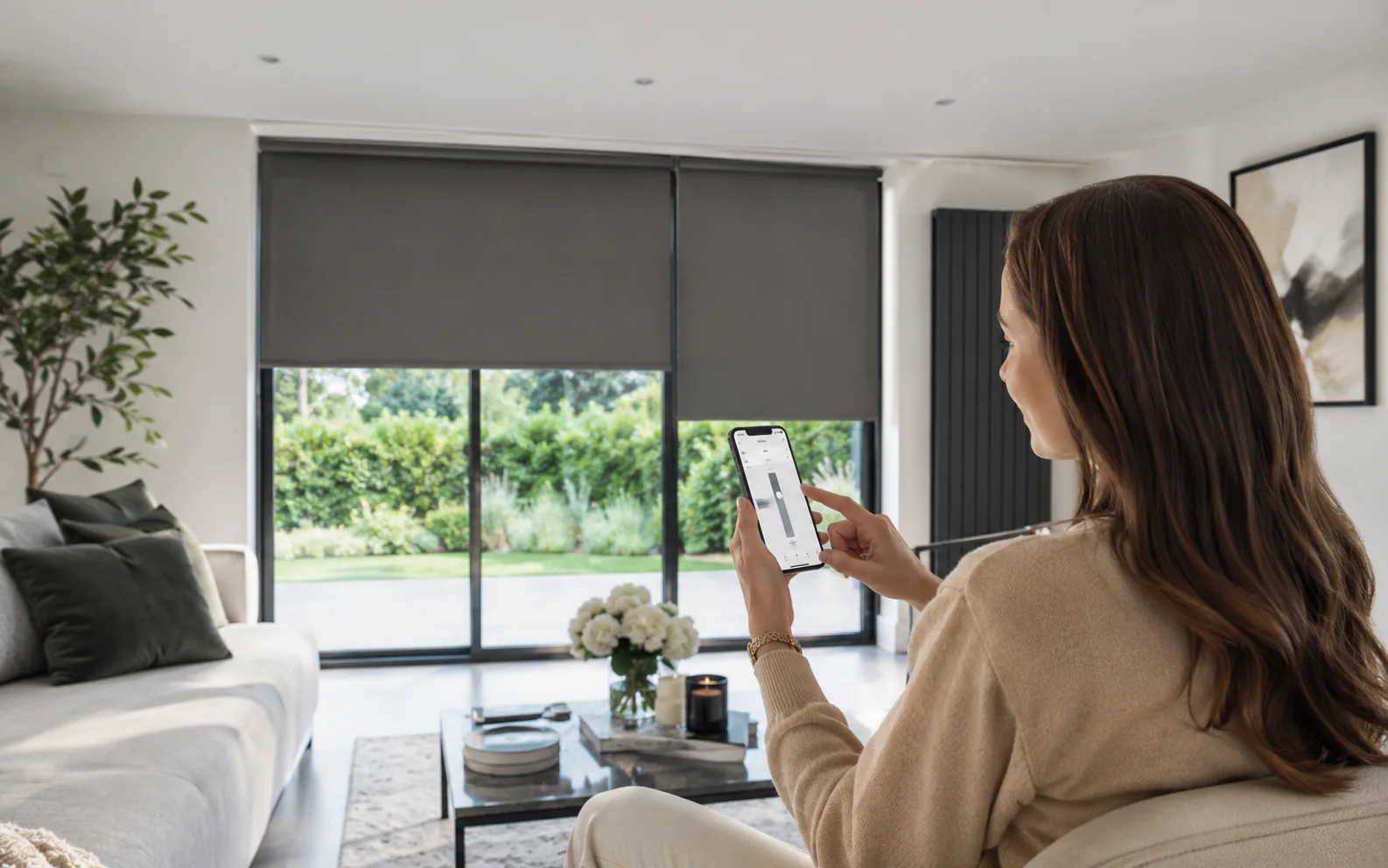
Lower compatible blinds to a useful glare-control or privacy position without fine-tuning every window.
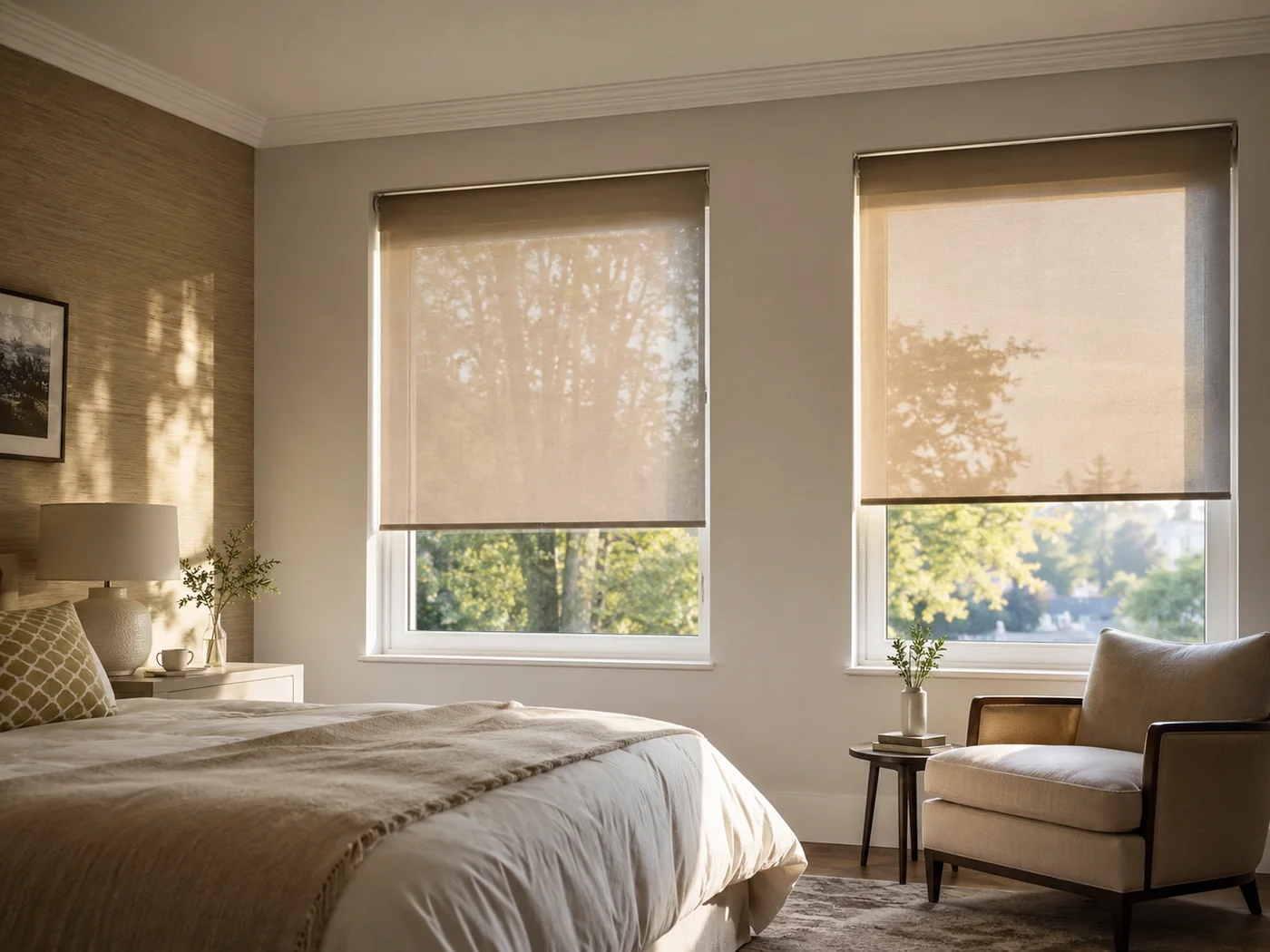
A timed or one-touch scene can lower compatible blinds as daylight fades.
If you want a more responsive setup, compatible light or temperature sensors can trigger blind movement automatically. They are most useful where changing sunlight or heat regularly affects the room.
Compare the options
Smart-home control
You do not need a smart-home hub to enjoy motorised blinds. A remote or wall control may be all you ever want.
If you do want connected control, compatible Somfy systems can use TaHoma to bring blinds and other supported equipment into one smart-home interface.
Compatible TaHoma setups can work with supported voice platforms including Amazon Alexa and Google Assistant. Compatibility should always be confirmed for the selected motors and control system.
Keep comparing
Common questions
A handheld remote is usually the simplest option. It gives you quick control without needing an app, and compatible multi-channel remotes can control several blinds.
Yes, on compatible systems. Many homes use a remote for quick everyday control and an app for grouping, scenes or control while away from the room.
Yes. Compatible blinds can be grouped so multiple windows move together. This is especially useful across large glazing, bi-fold doors and open-plan rooms.
Not necessarily. Wirefree wall controls are available for compatible systems and can be fitted without running a new control cable through the wall.
No. TaHoma is most useful if you want app control, grouped scenes, schedules or wider smart-home integration. A remote or wall control may be enough for a simpler installation.
Compatible Somfy and TaHoma setups can support platforms such as Amazon Alexa and Google Assistant. The exact compatibility depends on the selected motors and control system.
Yes, where the chosen system supports schedules, timers, scenes or sensors. The blinds can be set to move at chosen times or respond to compatible environmental sensors.
A remote or wall switch is often the simplest choice. If you want the blind to open in the morning or close automatically at night, a compatible app or scheduled scene can add that convenience.
Yes. Village Blinds and Shutters provides free home appointments, measuring, made-to-measure specification and professional fitting across Northern Ireland.
Manufacturer information: control features vary by motor and system. Current Somfy information on remotes, wall controls, app control, timers, sensors and TaHoma is available from Somfy .
Motorised blinds at home
Compare fabrics, blind types, power options and controls during a free home appointment.