


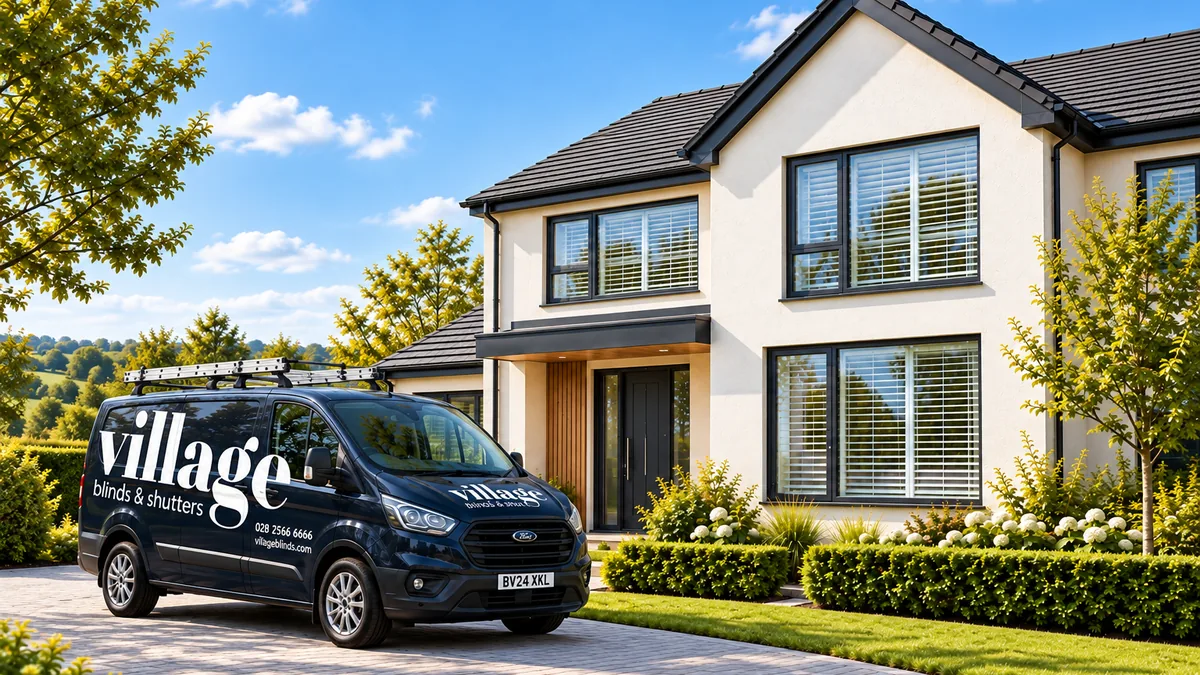

01
Open in the morning
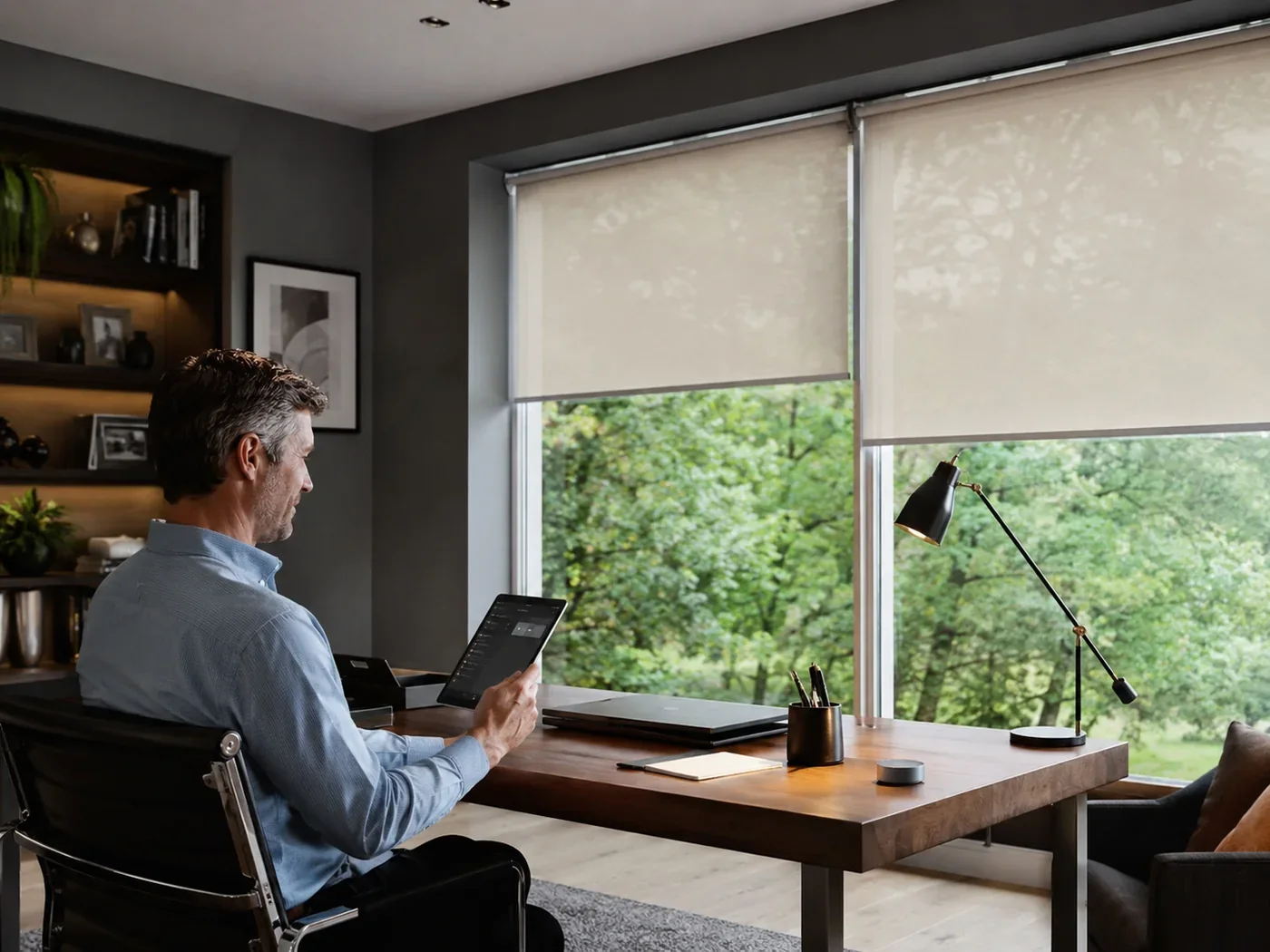
Set compatible blinds to rise at a chosen time or as part of a morning scene.
Automated blinds · Northern Ireland
Open blinds in the morning, lower them for evening privacy, group several windows into one scene or let compatible sensors respond to changing light and temperature. You decide how much automation you want.

What automation can do
You can keep complete manual control while adding automation only where it saves repeated effort.
Set compatible blinds to rise at a chosen time or as part of a morning scene.
Close several compatible blinds together as the room changes from daytime to evening.
A compatible sun sensor can trigger selected blinds when persistent sunlight passes a chosen threshold.
Compatible temperature-based automation can lower blinds when the room becomes too warm.
A more comfortable day

Open compatible bedroom blinds at a set time or include them in a morning scene.
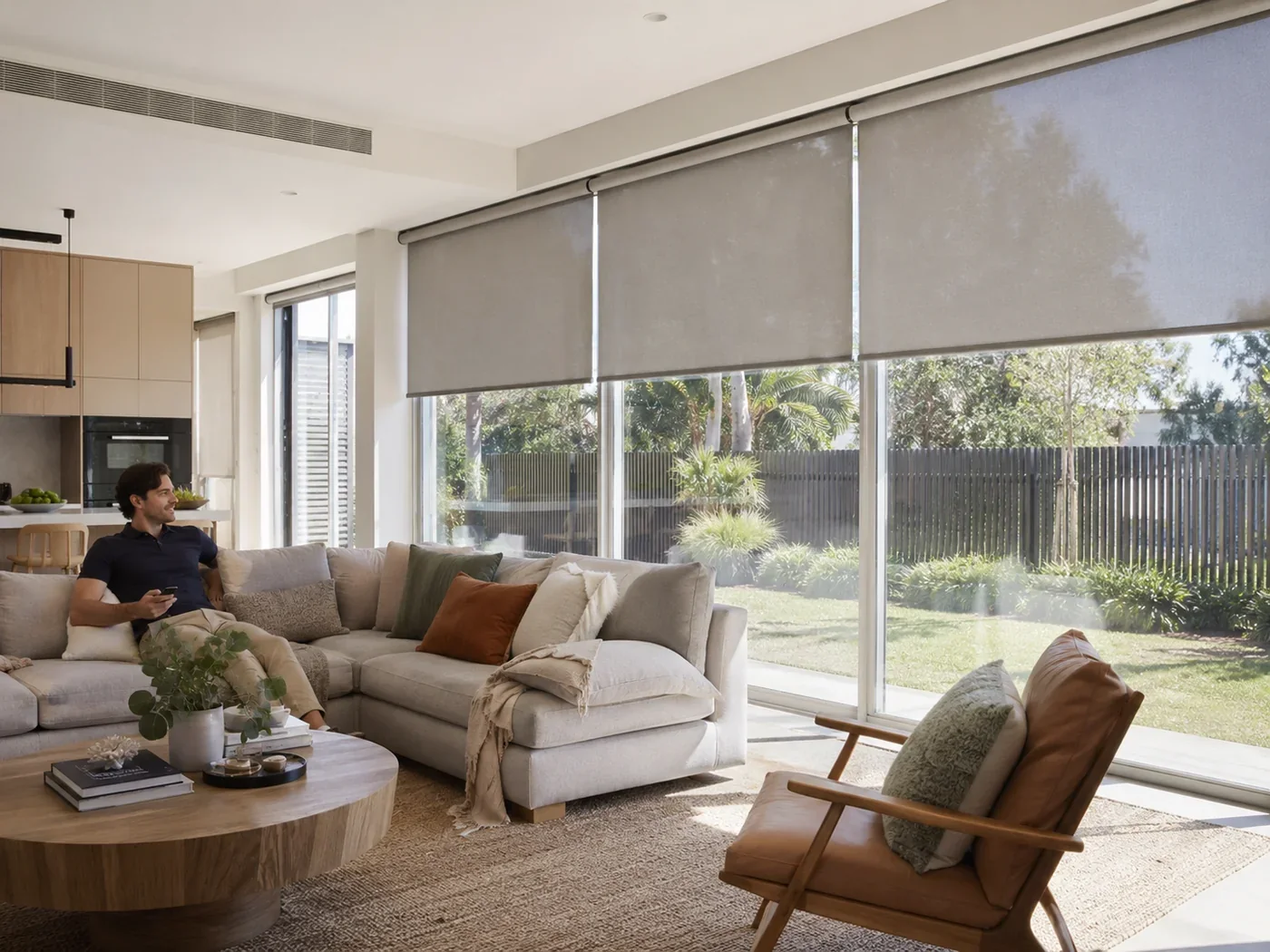
Use a scene or compatible sensor to lower selected blinds when the room needs more shade.
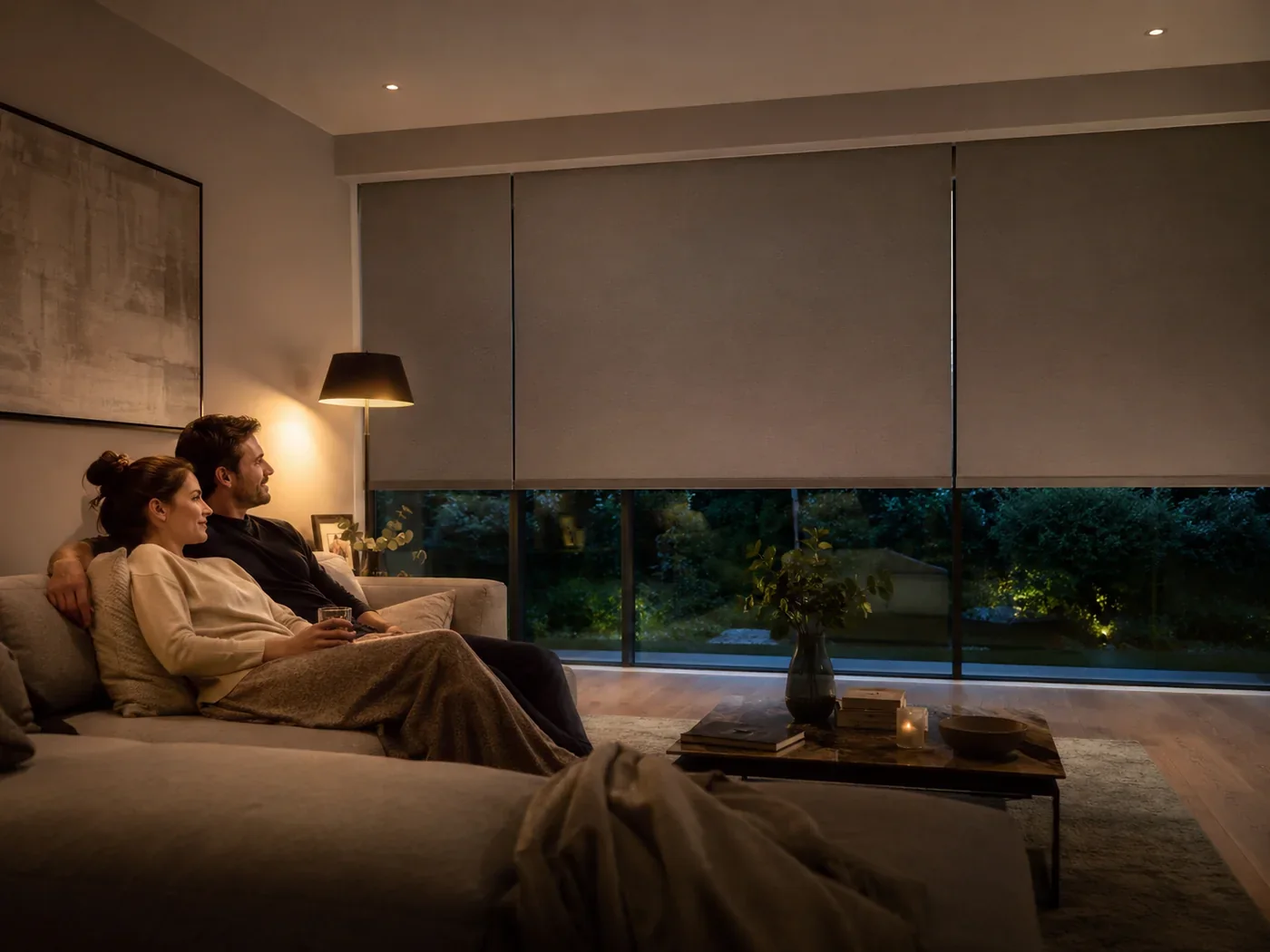
Lower several blinds together instead of walking around the room one window at a time.
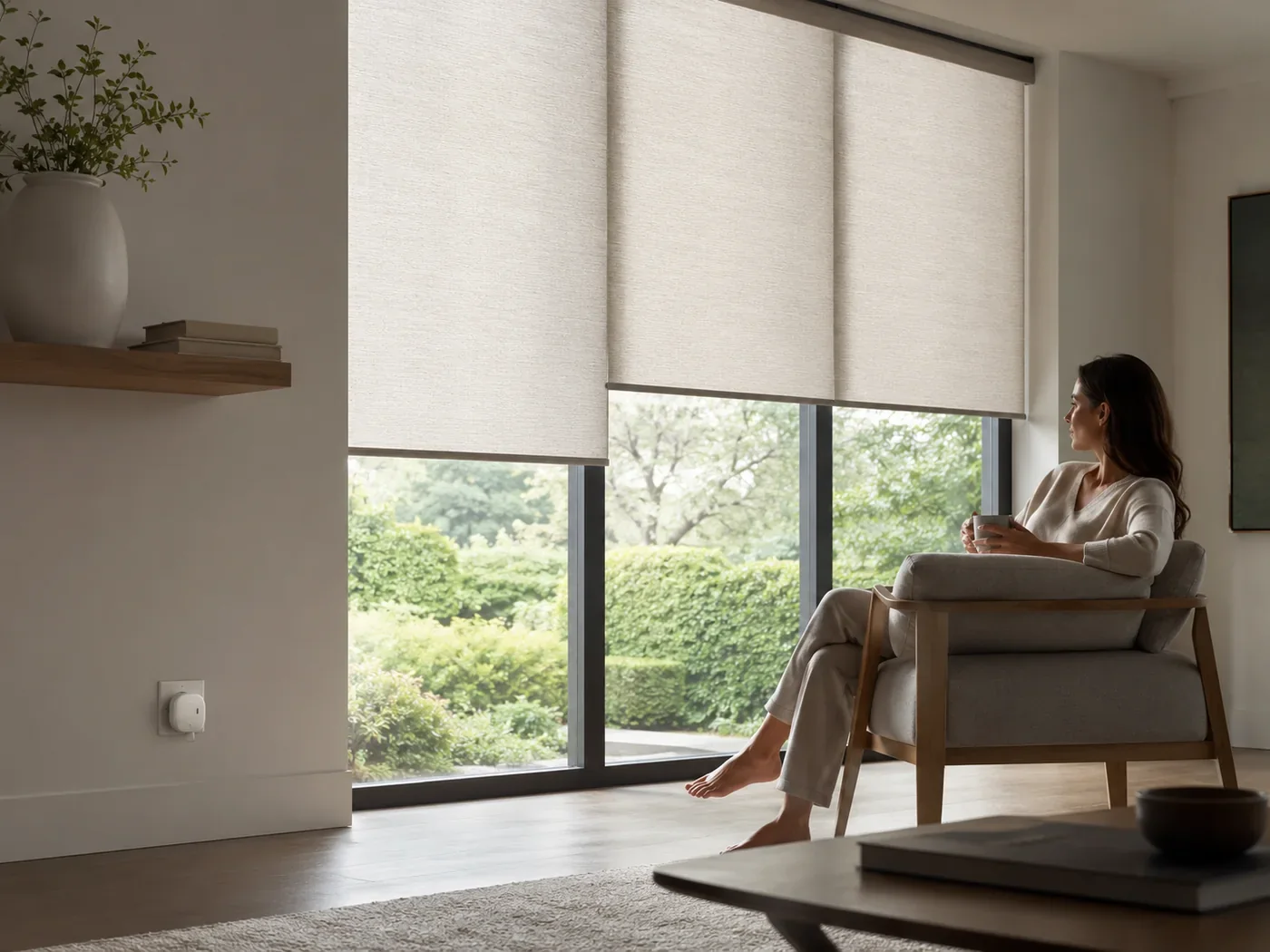
Scenes
A scene is a saved set of actions. Instead of adjusting each compatible blind separately, you can launch a scene that moves several blinds together.
Somfy TaHoma supports different types of scenes, including manual scenes, scheduled scenes and sensor-triggered advanced scenes on compatible setups.
Launch several saved actions together when you choose.
Trigger selected actions automatically on a regular schedule.
Use compatible sensor information or device status as the trigger.
Schedules
Schedules are ideal for routines that happen predictably: bedroom blinds opening in the morning, living room blinds closing in the evening or selected blinds moving before you normally get home.
Automation does not remove everyday control. Compatible remotes, wall controls and apps remain available whenever you want to override the routine.
Smart sensors
Time-based control suits a routine. Sensors are more useful where the room changes because of sunlight or temperature.
A compatible light or sun sensor can trigger selected blinds when measured sunlight stays above the chosen threshold.
A compatible temperature sensor can trigger a scene when the room becomes warmer than the selected threshold.
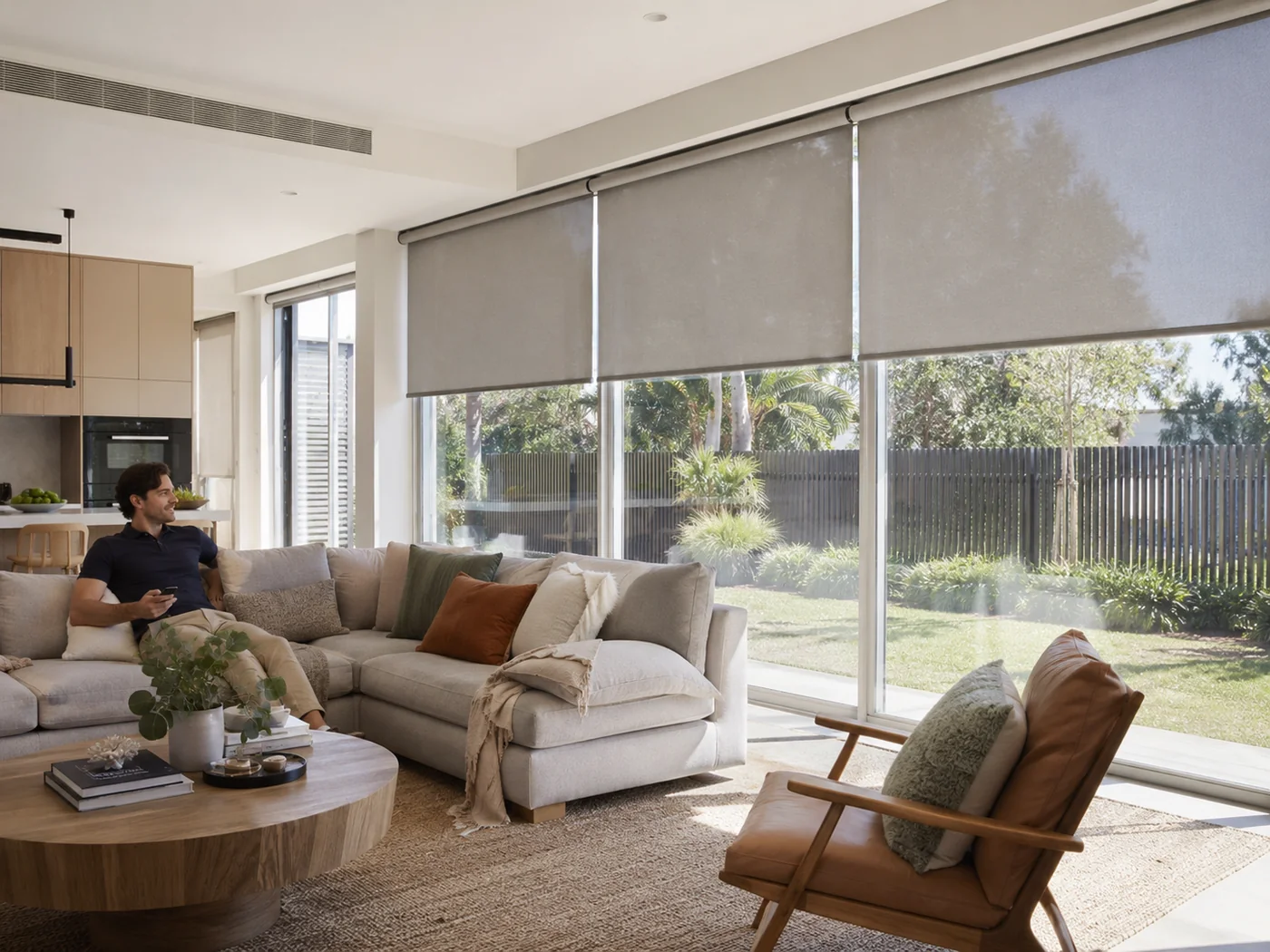
On hot or very bright days, automated shading can help reduce direct sunlight before it builds up in the room. In colder conditions, a different routine may keep blinds open when useful sunlight is available and close them later for privacy.
The exact result depends on the glazing, room orientation, blind fabric and how the automation is configured.
Privacy when you are away
Compatible scheduled scenes can move blinds or other connected products while you are away. Used with lighting, this can help the home look occupied rather than completely static.
This is a convenience feature, not a replacement for proper home security.
If the internet goes down
Somfy states that compatible Zigbee motors can still be controlled locally by their normal remotes if the internet connection is lost. Programmed automations can also continue to run locally.
App control and remote access from outside the home are unavailable until the internet connection returns.
Even in a connected home, a remote or wall control gives you a simple local way to operate the blinds.
How much automation do you need?
A good choice if you mainly want a morning or evening routine but still prefer physical controls day to day.
Useful when several rooms or blinds need grouped control and you want saved positions for different times of day.
Best where changing sunlight or temperature regularly affects comfort in the room.
Common questions
Yes, on compatible systems. A scheduled scene can be set to open selected blinds at a chosen time or relative to sunrise where that feature is supported.
Compatible scheduled scenes can follow sunset or a chosen evening time, depending on the smart-home system being used.
Yes, with a compatible temperature sensor and control system. A threshold can trigger a scene that lowers selected blinds.
Yes. Compatible sun or light sensors can be used to trigger blind movement when the measured light level crosses the configured threshold.
Somfy states that compatible Zigbee motors can still work locally with their normal remotes and programmed automations if internet access is lost. App-based remote control will not be available until the connection returns.
Yes. Compatible remotes, wall controls and apps can still be used when you want a different blind position from the scheduled routine.
Automated shading can help manage direct sunlight and solar heat gain, which may improve comfort and reduce the need for cooling in some rooms. The actual effect depends on the glazing, blind fabric, orientation and wider building performance.
No. Many useful routines only need schedules or scenes. Sensors are most helpful where you want the blinds to react to changing light or temperature rather than a fixed time.
We can advise on compatible motorised blind controls and automation options during a free home appointment. The exact setup available depends on the selected motors, blind type and smart-home equipment.
Manufacturer information: features and compatibility vary by system. Current Somfy information on TaHoma scenes, schedules, sensors and smart-home automation is available from Somfy TaHoma and Somfy Smart Home.
Plan your automated blinds
Compare the blind styles, power options and compatible controls during a free home appointment.